How to Organise Your WordPress Sidebar Like a Pro
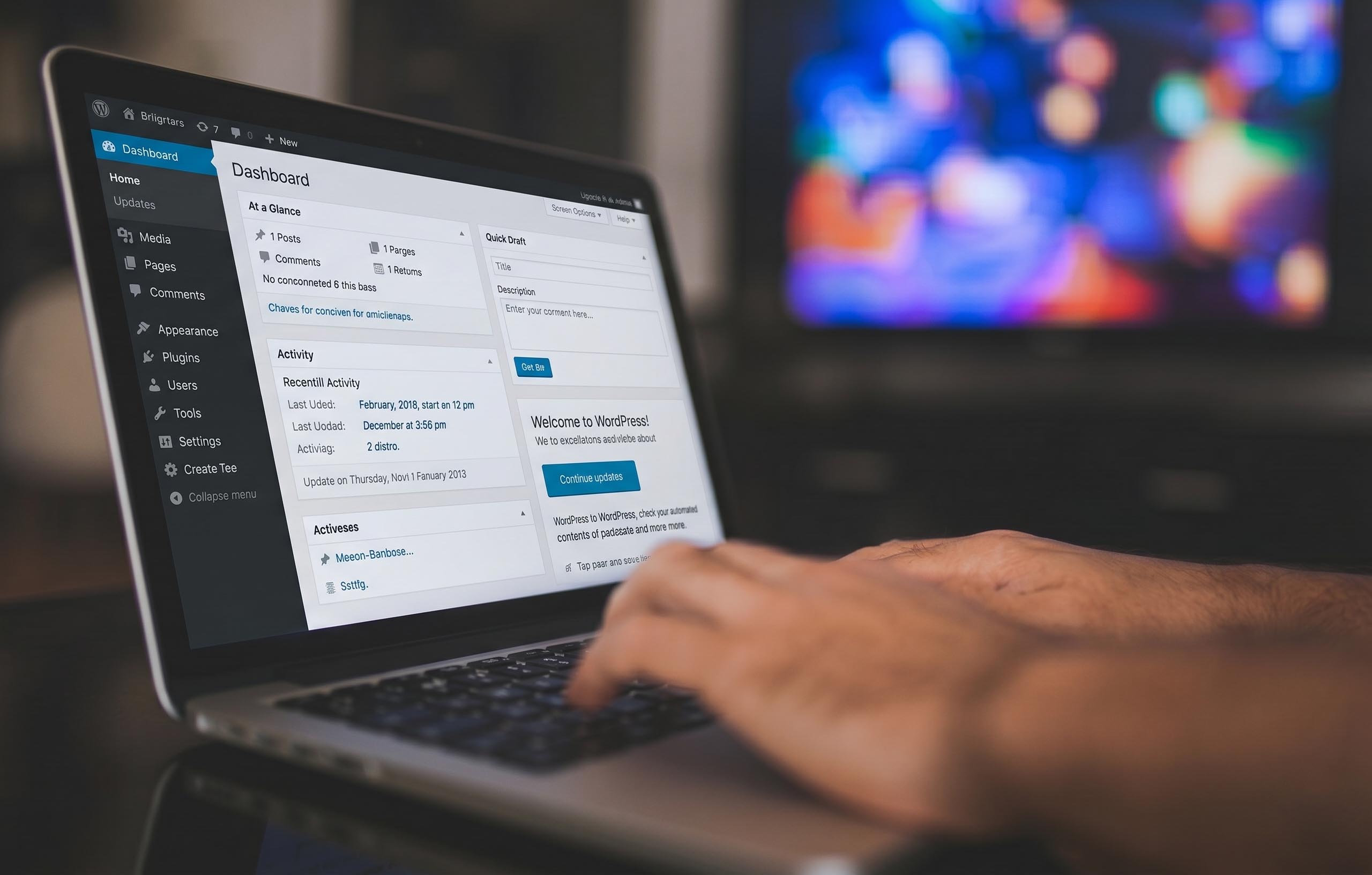
Have you ever noticed your WordPress admin sidebar getting messy? As you add more features like Custom Post Types (CPT) for your portfolios, services, or team pages, the menu gets longer and harder to navigate.
If you want to keep your dashboard clean and professional, you need to understand the menu_position setting. Today, I’ll show you how to control where your custom menus appear!
What is menu_position?
In WordPress code, menu_position is a small setting that tells WordPress exactly where to place your menu in the sidebar. It uses numbers to decide the order—lower numbers appear near the top, and higher numbers appear near the bottom.
The Default WordPress Map
WordPress has its own built-in order for menus. Knowing these numbers helps you decide where to place your custom items:
- Dashboard: 2
- Posts: 5
- Media: 10
- Pages: 20
- Comments: 25
- Appearance: 60
- Plugins: 65
- Users: 70
- Tools: 75
- Settings: 80
How to Group Your Custom Menus
If you have a few different custom post types—like a Gallery, a Portfolio, and Testimonials—you probably want them sitting together so your dashboard looks organized.
Here is the trick: You can give them sequential numbers!
For example, if you want them to appear right after your “Pages” menu, you can set your positions like this:
- Gallery:
'menu_position' => 21, - Portfolio:
'menu_position' => 22, - Testimonials:
'menu_position' => 23,
By using numbers like 21, 22, and 23, WordPress will automatically stack them one after another.
A Professional Pro-Tip
If your sidebar is still too crowded, don’t just rely on numbers! You can create a “Master Parent Menu” (like naming it “My Agency Data”) and put all your custom post types inside it. This keeps your sidebar very clean, and it makes your website look like a premium, custom-made product for your clients.
Final Thoughts
A clean dashboard doesn’t just look good—it helps you work faster! Next time you register a new custom post type, take a moment to set the menu_position to keep everything in its right place.